Delayed WhatsApp notifications can severely disrupt everyday communication, frequently causing users to miss urgent messages from family members, colleagues, and business partners alike. This frustrating phenomenon is typically characterized by a sudden influx of messages that only appear on the screen once the application itself is actively opened, even though the data packets were transmitted hours or minutes prior. While many smartphone owners immediately assume that the messaging platform is suffering from a massive global server outage, technical diagnostics consistently reveal that delayed alerts are often rooted in local device parameters. These underlying triggers frequently encompass unstable internet connectivity, misconfigured notification privileges, aggressive background activity limitations, and restrictive battery-saving protocols built into modern mobile operating systems.
Understanding the root causes of delayed application alerts requires an examination of how contemporary smartphones manage system resources. Both Android and iOS leverage complex background management frameworks designed to optimize battery life and minimize data consumption. When an application remains idle, the operating system may throttle its network access or suspend its background processes to conserve power. Consequently, incoming push notifications can experience significant latency. Before resorting to drastic troubleshooting measures such as reinstalling the application or performing a factory reset, users must systematically evaluate several system and application-level settings. Technical experts recommend a structured, step-by-step diagnostic approach to isolate the exact variable responsible for the communication breakdown.
Comprehensive Troubleshooting Guide for Android and iOS
Resolving notification latency requires targeted adjustments depending on the operating system and the specific configuration of the mobile device. Below is an exhaustive breakdown of the primary diagnostic steps recommended for both Android and iPhone users experiencing delayed message delivery.
1. Verifying and Testing Internet Connectivity
The foundational requirement for real-time messaging is a stable and robust internet connection. WhatsApp relies continuously on data packets transmitted via cellular networks or Wi-Fi to deliver push notifications instantly. If the network link is intermittent, message retrieval will inevitably stall. Users should begin diagnostics by toggling between Wi-Fi and mobile data to determine whether the issue persists across different network infrastructures. Furthermore, opening a web browser to load external websites can confirm whether general internet access is functioning properly. If broad connectivity issues are identified, restarting the router or contacting the local internet service provider (ISP) is advised.
2. Configuring System-Level Notification Permissions
A frequent culprit behind missing or delayed alerts is the accidental disabling of system notification privileges. On Android devices, users must navigate to the main settings menu, select applications, locate WhatsApp, and verify that the notification toggle is fully enabled. For iPhone users, the path involves opening the settings application, selecting notifications, choosing WhatsApp, and ensuring that the "Allow Notifications" toggle is switched on. Additionally, users should confirm that lock screen alerts, notification centers, and banner styles are configured according to personal preferences to guarantee immediate visual and auditory feedback upon message arrival.
3. Auditing In-App Notification Settings and Group Mutes
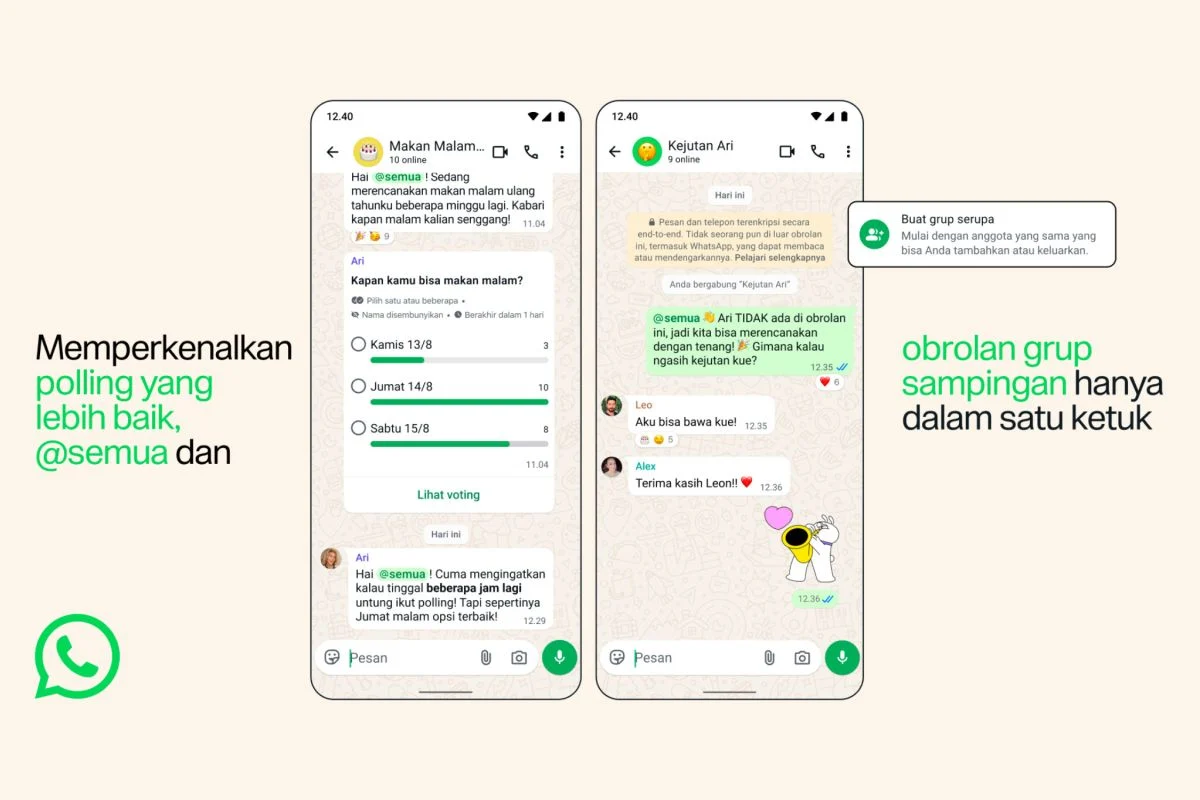
Beyond system-level parameters, individual application settings heavily dictate how alerts are processed and displayed. Within WhatsApp, users must access the application settings, navigate to the notifications tab, and ensure that message and group alerts are actively enabled with appropriate notification tones assigned. In scenarios where delays seem isolated to specific group chats, users should inspect whether the individual conversation has been muted. It is also vital to distinguish between a genuinely delayed message and one that arrived silently due to active "Do Not Disturb" or focus modes overriding standard audio profiles.
4. Managing Battery Saver and Low Power Modes
Modern smartphones employ aggressive power-saving modes designed to extend daily battery longevity by severely restricting background operations. While effective for power conservation, these features frequently delay synchronization tasks for messaging applications. On Android devices, users can temporarily disable the battery saver feature via the main settings or quick-settings panel to observe whether notification delivery normalizes. Similarly, iPhone users should review the "Low Power Mode" parameters within the battery settings. Industry research by major technology developers indicates that restricting background tasks directly correlates with delayed notification delivery across multiple third-party applications.
5. Authorizing Background Data Usage
If incoming messages only materialize upon opening the WhatsApp interface, background data restrictions are a prime suspect. Operating systems often restrict background data usage to preserve cellular data quotas. To rectify this on Android, users must access application properties, navigate to data usage settings, and explicitly grant permission for background data exchange. Disabling data saver profiles or creating an explicit exception for WhatsApp ensures uninterrupted data synchronization. iPhone users must likewise verify that cellular data access remains authorized for the platform within the primary settings menu.
6. Adjusting Android Background Application Restrictions
Android manufacturers frequently incorporate proprietary battery optimization layers—such as adaptive battery, deep sleep modes, and aggressive task killers—that penalize applications running in the background. If WhatsApp is incorrectly categorized under a restricted battery profile, the operating system will suspend its background services when the device is locked. Users can resolve this by navigating to application battery settings and adjusting the profile to an unrestricted or optimized status, thereby preventing the system from throttling message reception.
7. Toggling Do Not Disturb and Focus Modes
Environmental factors such as active focus profiles or "Do Not Disturb" settings can mask successful message delivery. While these modes do not necessarily delay the underlying transmission of data packets, they actively suppress visual banners, lock screen previews, and auditory chimes. Users experiencing perceived delays should inspect their status bars or control centers to ensure that focus features are not inadvertently silencing incoming communications.
8. Performing Application Updates and System Restarts
Running outdated software versions can introduce compatibility bugs that interfere with push notification architecture. Users must check the Google Play Store on Android or the Apple App Store on iOS to ensure that WhatsApp is updated to the latest stable release. Following an update, restarting the mobile device clears temporary system cache and re-establishes fresh connections with push notification servers. Users are strongly advised against immediately deleting the application unless a complete chat backup has been successfully verified.
Broader Implications of Push Notification Latency
The persistence of push notification latency extends far beyond mere personal inconvenience, carrying notable implications for modern digital ecosystems. In an era where professional communication heavily relies on instant messaging platforms for real-time project management, customer service, and emergency coordination, delayed notifications can result in missed deadlines, communication breakdowns, and operational inefficiencies. Furthermore, the reliance of millions of global citizens on messaging applications for essential services—ranging from healthcare appointment reminders to financial notifications—underscores the critical importance of reliable device configuration.
As mobile operating systems become increasingly aggressive in their pursuit of energy efficiency and battery preservation, developers face an ongoing architectural challenge in balancing power conservation with real-time connectivity. Industry analysts note that both operating system developers and independent application creators must continually refine background processing protocols to ensure seamless user experiences without compromising device hardware longevity. By understanding the intricate relationship between local device settings, network infrastructure, and application architecture, users can proactively mitigate notification delays and maintain reliable, uninterrupted communication channels in an increasingly connected world.